
NEWSMY STORAGE · SELECTION GUIDE
Why Does a 128 GB Drive Show a Different Capacity? Compare Units First
A customer may see one capacity on the order and another in a computer window. That difference deserves a clear explanation, not an automatic fault diagnosis. Before discussing a return or changing the drive, separate the unit used, the volume being displayed and the space already occupied.
1. Write the unit beside the number
GB and GiB count bytes differently: 1 GB is 1,000,000,000 bytes; 1 GiB is 1,073,741,824 bytes. As arithmetic, 128,000,000,000 bytes is about 119.21 GiB before formatting. This is a unit-conversion example, not a measurement or usable-capacity promise for a NEWSMY sample.
2. Distinguish the device, the volume and free space
A window may show one formatted volume rather than the whole device. Formatting uses space, while saved files reduce free space. Record which field you are reading: total device bytes, volume capacity, used space or free space. Do not subtract two differently labelled figures and call the difference missing storage.
3. Keep the ordered model and capacity together
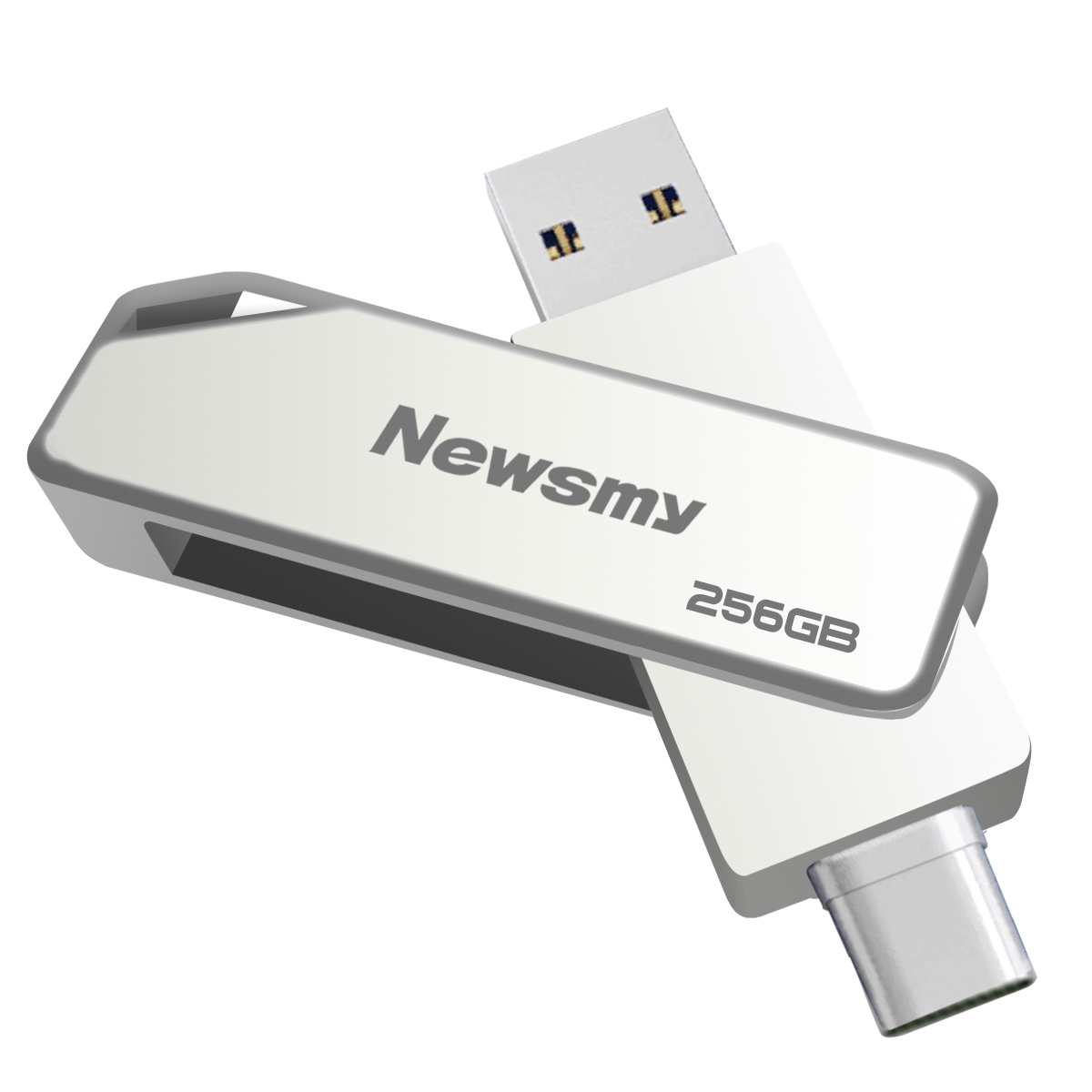
V78 is currently listed in 32 GB, 64 GB, 128 GB and 256 GB. NM500 is listed in 128 GB, 256 GB, 512 GB and 1 TB. Match the actual order line and product label; a picture of another capacity is not the order specification. Do not replace the selected capacity with a rounded operating-system display value.
4. Collect evidence without changing the storage
Record the host model, operating-system version, tool name, displayed units, device label and relevant capacity fields. Share screenshots with customer data hidden. Preserve files before any further procedure. This article does not ask you to format, repartition, run a full-write test or erase data to check a number.
5. Escalate a discrepancy that units do not explain
Unit conversion explains a common display difference; it does not prove that every drive or order is correct. If the actual model, selected capacity or device-byte report remains inconsistent, send the record for review. Ask what the next safe check should be. Do not dismiss an unexplained discrepancy or promise an exact formatted total without relevant evidence.
Questions before the next step
Does about 119.21 GiB mean a 128 GB drive is faulty?
Not by that conversion alone. It is the same byte count expressed in different units before formatting; investigate any remaining discrepancy separately.
Is free space the same as capacity?
No. Free space is what remains available in the displayed volume after space is used. Keep the field names and units in the support record.
Should I format the drive to make the label and display match?
No. Formatting can erase files and does not change decimal-versus-binary arithmetic. Document the issue and preserve the data before seeking support.
Explore the matching NEWSMY models
Compare listed specifications, capacities, available colours and warranty periods on the model pages.
Compare usb flash drives →Compare 2.5-inch sata ssd →Technical references
Industry references explain the general standards. Product information follows the current NEWSMY range; the host manual and confirmed quotation determine your configuration.
Apple: how storage capacity is measured ↗IBM: decimal and binary storage units ↗The NEWSMY Storage approach
NEWSMY’s customer-centred approach makes product information useful through clear service. When a capacity display raises a question, responsibility means explaining units, preserving the buyer’s data and checking the actual order. We encourage an evidence-based conversation that separates an understandable display difference from a discrepancy needing review.