
NEWSMY STORAGE · SELECTION GUIDE
V78 on a Phone: A Connection Checklist Before Ordering
A USB-C connector is the start of a compatibility check, not its conclusion. For distributors supplying phone accessories, the useful question is whether a customer can find, copy and reopen the intended files on the actual phone. Use this checklist before committing to a V78 order.
1. Identify the phone and both connectors
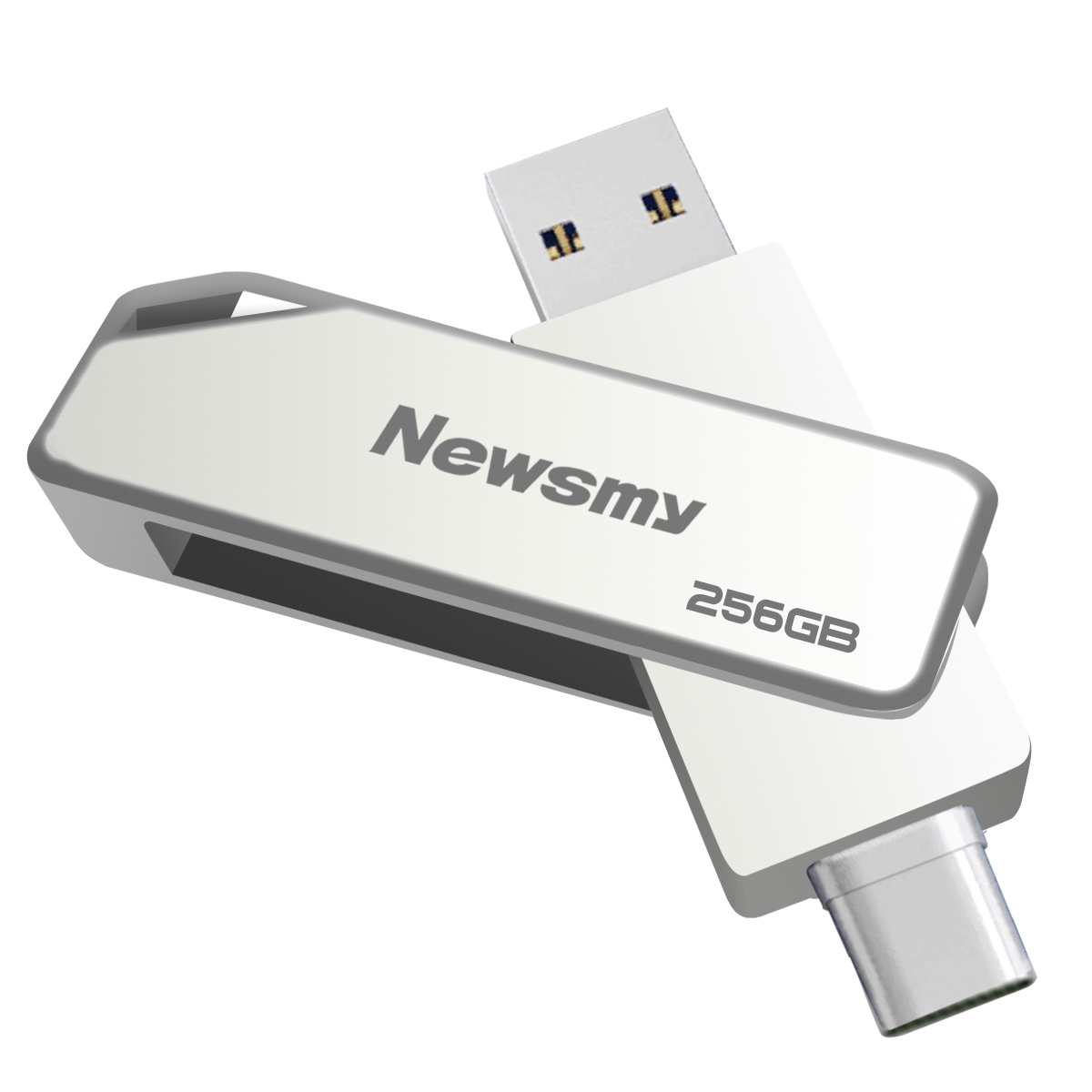
V78 has USB-A and USB-C built into the same silver drive. The listed capacities are 32 GB, 64 GB, 128 GB and 256 GB. Record the exact phone model and operating-system version; a charging port or a similar-looking connector does not confirm external-storage support.
2. Check the phone’s storage workflow
The confirmed V78 compatibility includes iPhone models with USB-C. Apple explains how to access external storage through the Files app. For other phones, check the manufacturer’s USB host / OTG instructions and file manager. Demonstrate the connection on the intended device rather than promising support from the connector name alone.
3. Agree the file system before changing it
Check the file system supported by every phone and computer in the transfer path. Do not assume the sample’s format or select a format from the capacity label. Ask the team to confirm the supplied configuration. Back up existing data before formatting or changing partitions, because those operations can erase files.
4. Run a round-trip file check
Use non-sensitive copies of representative photos, documents and videos. Copy them from the phone to V78, then open them on the intended computer; also test the reverse direction. Compare file counts and reopen the copies. Record any app restrictions, connection errors and unusually large-file requirements before deciding whether the workflow meets your needs.
5. Turn the result into an ordering brief
Send the model, selected capacity, destination, estimated quantity and tested phone / computer combinations. V78 is listed as USB 3.2, but that label does not establish a numerical file-copy speed. Request relevant capacity-specific evidence if speed is an acceptance condition. Confirm sample terms and the final order specification in the quotation.
Before choosing a model.
Does USB-C mean any phone will work?
No. Check the phone model, external-storage support, file system and actual file workflow. The confirmed iPhone scope is models with USB-C.
Are USB-A and USB-C separate V78 versions?
No. Both connectors are built into one drive. Select the capacity on the V78 product page.
Should I format the drive if it does not appear?
Do not start by erasing it. Check the connection, phone guidance and existing data first; obtain a backup before any format change.
Explore the matching NEWSMY models
Compare listed specifications, capacities, available colours and warranty periods on the model pages.
Compare usb flash drives →Technical references
Industry references explain the general standards. Product information follows the current NEWSMY range; the host manual and confirmed quotation determine your configuration.
Apple: connecting external storage to iPhone ↗USB-IF: USB 3.2 capabilities ↗The NEWSMY Storage approach
NEWSMY’s customer-centred philosophy connects technology with service. For mobile storage, we put that approach into practical product information and a clear sample conversation: identify the device, verify the connection and discuss the configuration before ordering, so buyers can make decisions on useful evidence.