
NEWSMY STORAGE · SELECTION GUIDE
NM700 Transfers Slower Than Expected? Record the Connection First
A slow file copy is a symptom to describe, not an immediate diagnosis of a faulty SSD. If a customer or distributor reports an NM700 transfer problem, start with the exact connection and workload. This non-destructive checklist helps collect useful evidence without promising a speed or changing the drive’s format.
1. State the actual NM700 configuration
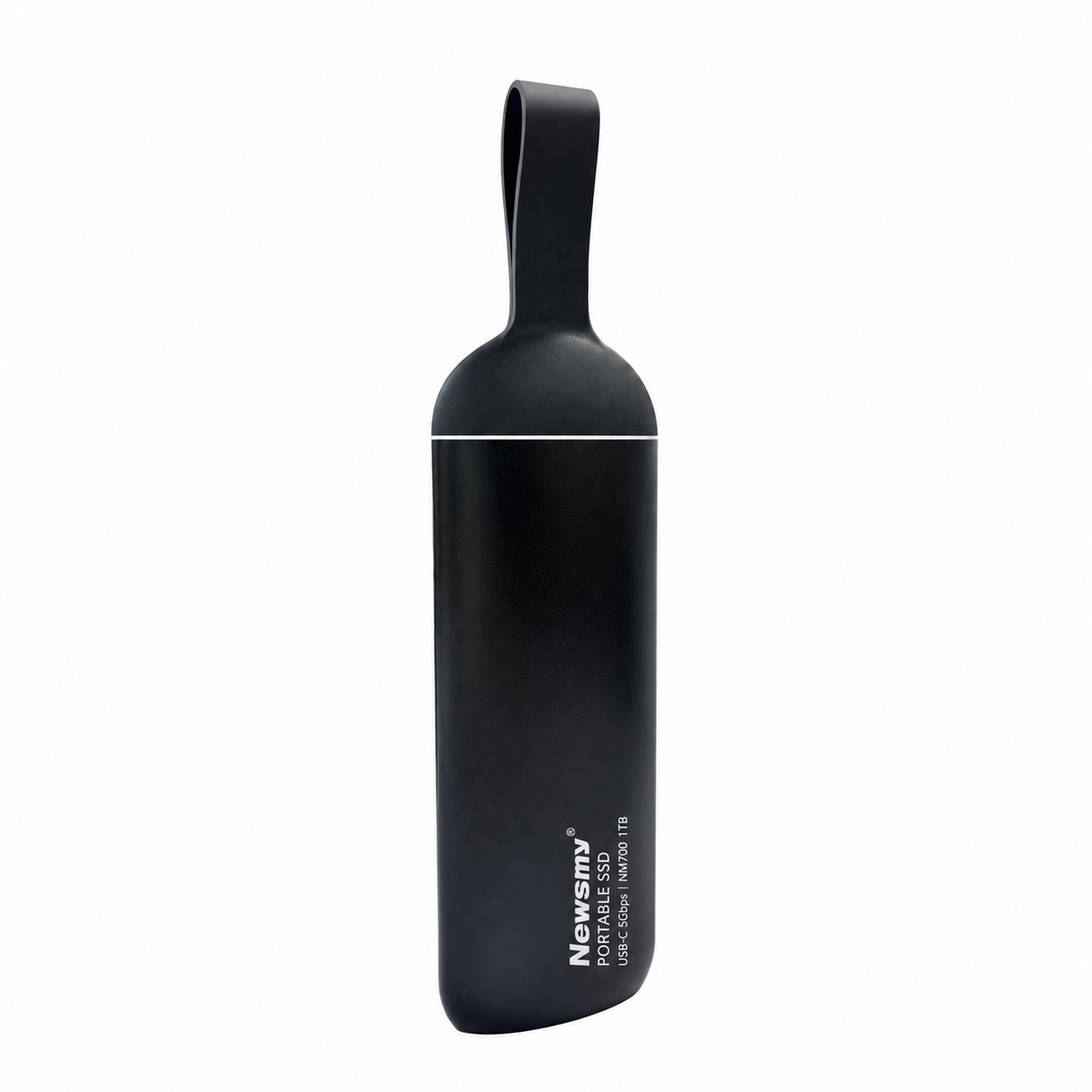
The confirmed model is a portable SSD with USB-C / 5 Gb/s and SATA storage. Listed capacities are 120 GB, 128 GB, 256 GB, 512 GB and 1 TB. The interface figure is not a guaranteed file-copy result. Record the selected capacity and the claim or task you are comparing against; do not describe NM700 as a 10 Gb/s or NVMe product.
2. Draw the whole data path
Write down the computer or phone model, operating system, host port, data cable and any hub or adapter between host and drive. USB-C describes a connector shape; it does not by itself establish the data capability of each item. Check the host and cable documentation rather than assuming every similar-looking connection has the same capability.
3. Compare one change at a time
Use non-sensitive copies of the same files and record whether the task involves one large file or many smaller files. If you have a known-compatible data cable or host port, compare that path while keeping the other conditions consistent. Record file sizes, elapsed time, transfer direction and relevant software; a result from a different workload is not a like-for-like comparison.
4. Separate low speed from a lost connection
Note whether copying finishes correctly, pauses, disconnects or shows an error. Keep the original files and any error text. If the connection is unstable or data is at risk, stop repeated writes and preserve the information for support. Do not start by formatting, resetting or opening the device; this checklist does not establish a hardware fault or a repair procedure.
5. Send a concise support record
Include model, capacity, purchase reference if available, connection diagram, file workload, observed result and steps that reproduce it. Ask for model- and capacity-specific evidence if a quoted performance requirement remains unresolved. Keep customer files and personal information out of shared screenshots. The team can review the configuration and advise the next step; the website does not guarantee one copy speed for every host.
Questions before the next step
Is 5 Gb/s the expected file-copy speed?
It is the listed host-interface figure, not a guaranteed storage copy result. Compare relevant capacity-specific evidence and the actual transfer path.
Does a USB-C cable automatically provide the required data capability?
No. Check the cable and host specifications. Connector appearance alone does not identify the supported data capability.
Should I format NM700 to diagnose a slow transfer?
Do not begin with an operation that may erase data. Preserve files and document the non-destructive connection checks first.
Explore the matching NEWSMY models
Compare listed specifications, capacities, available colours and warranty periods on the model pages.
Compare portable ssd →Technical references
Industry references explain the general standards. Product information follows the current NEWSMY range; the host manual and confirmed quotation determine your configuration.
USB-IF: USB 3.2 capabilities ↗The NEWSMY Storage approach
NEWSMY’s customer-centred philosophy connects product information with practical service. When a transfer result is unexpected, responsibility means describing the configuration and evidence before drawing conclusions. We encourage buyers and the storage team to work from a clear record, so the next step addresses the actual workflow.